

Mastering Real Estate Investing
Develop a complete, professional-level mastery of real estate investing. Whether your goal is to build passive income, scale into larger projects, or simply make smarter data-driven decisions about your portfolio, this course provides the strong foundation you need to accomplish those goals. You’ll learn to interpret key metrics, such as Net Operating Income, Cap Rates, Equity Multiple, IRR, and Yield on Cost. You’ll uncover the structures and constraints of financing income property. You’ll learn how to run pro forma projections with confidence, evaluate opportunities, spot risks, discern the real story behind the numbers across different property types, and make decisions like an experienced real estate pro. The course also covers specialized topics like partnership structures, value-add opportunities, development and re-hab project analysis, and more. Our most popular course. Earn a professional certificate upon completion.
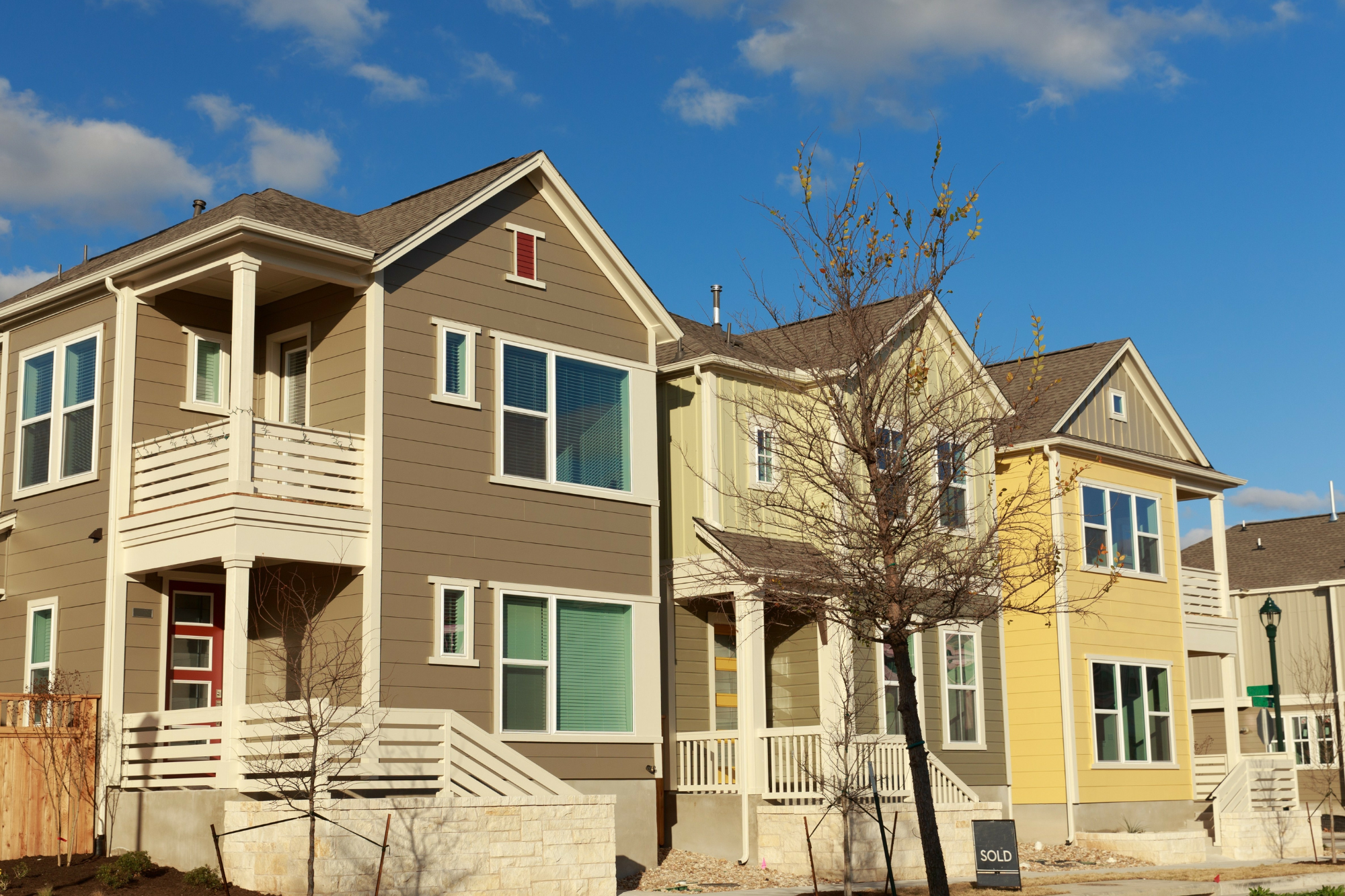
Mastering Multifamily Investing
Dive into one of real estate's most powerful wealth-building asset classes. This course provides in-depth guidance on identifying, analyzing, and optimizing multifamily investments, helping you maximize returns while managing risk across apartment and multi-unit properties. You’ll learn about due diligence, key financial terminology and calculations, financing, and the preparation of detailed pro forma projections of future performance. A special module covers several approaches to adding value to multi-family properties. This course applies the most relevant tools and techniques to this asset class specifically, so you can evaluate and operate multifamily investments with greater insight and confidence.
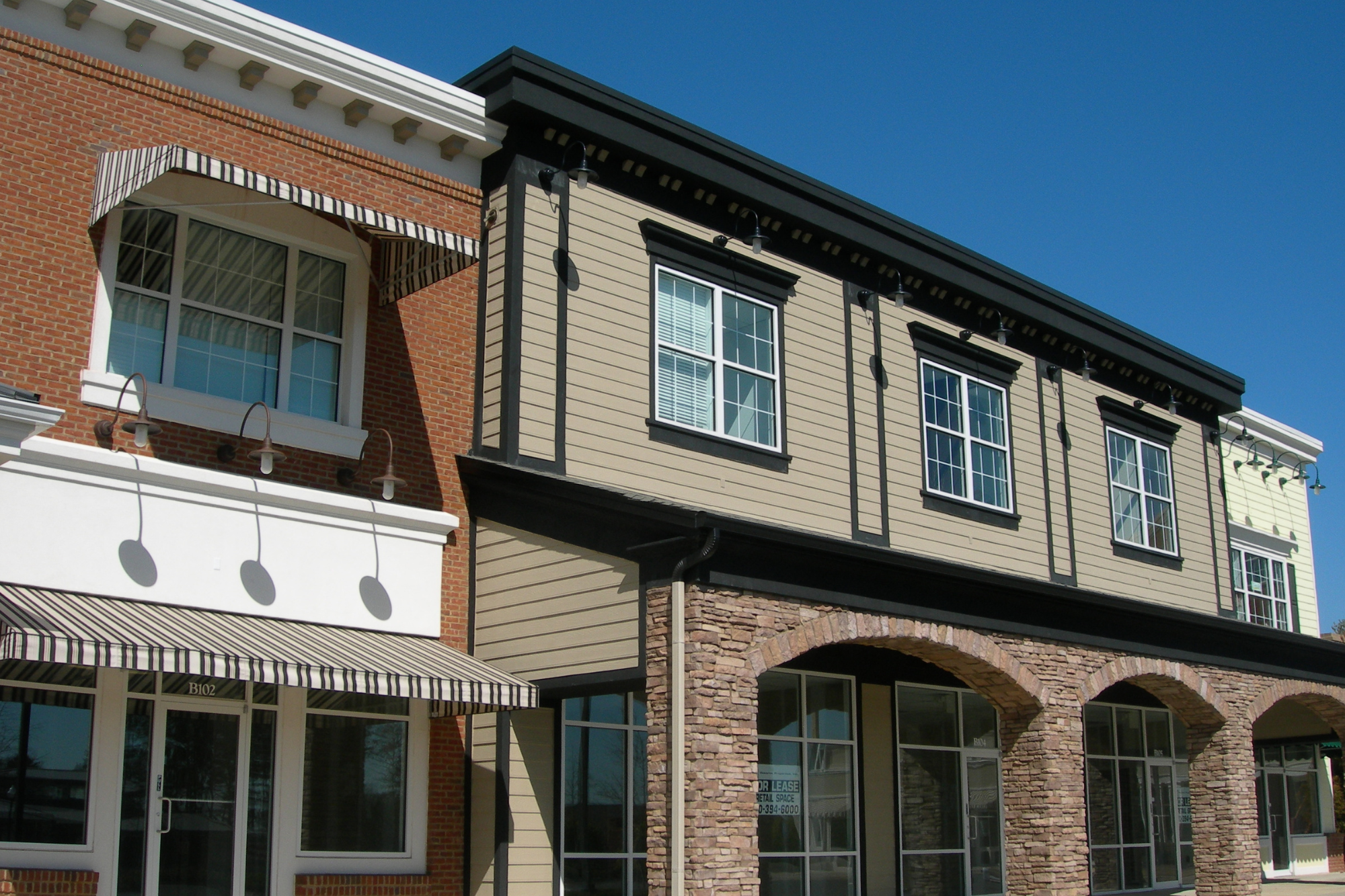
Real Estate Investment Case Studies
Apply your knowledge by working through real-world investment scenarios spanning multiple property types including apartments, mixed use, triple-net leased, retail strip, and single-family. This course goes beyond the numbers, helping you understand the story behind each deal: why decisions are made, how risk is evaluated, and what ultimately drives outcomes. You'll learn to step inside each scenario as an active participant, examining opportunities from the perspectives of investors, operators, lenders, and other key stakeholders. Available as a standalone course, this material is also included in Mastering Real Estate Investing, where it reinforces the full analytical framework and builds stronger judgment and confidence in real-world decision-making.
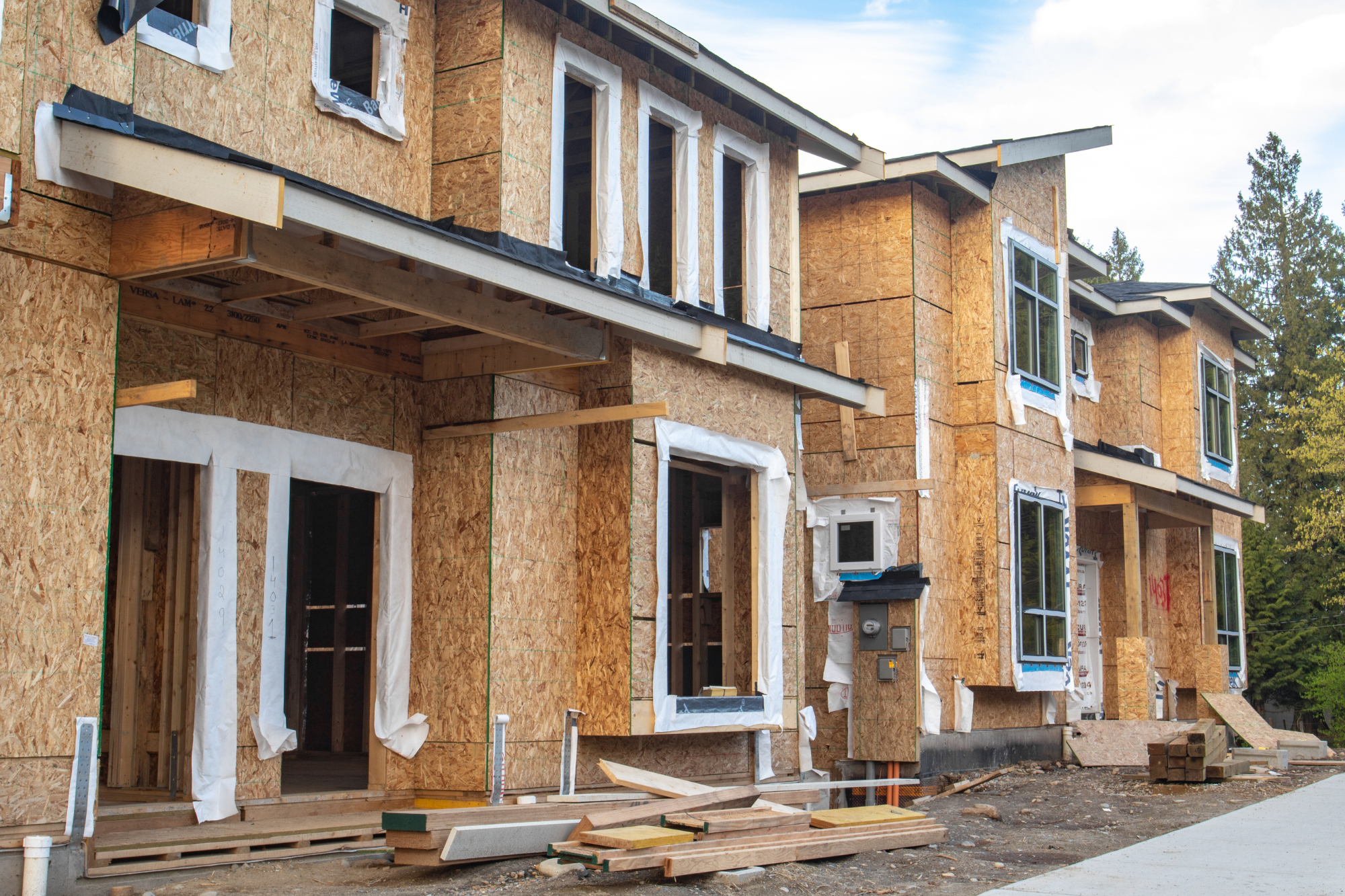
Introduction to Real Estate Development Analysis
Learn how ground-up development and rehabilitation projects are evaluated from concept through completion. This course introduces the key principles behind development analysis, including cost structures, risk factors, and how value is created across a project lifecycle. You’ll explore two classic frameworks for feasibility analysis: a site looking for a use, and a use looking for a site. From there you’ll learn about hard costs and soft costs, and about the fundamentals of project costs analysis. You’ll gain valuable practical insights by working through three case studies, a small office building, an apartment building, and a phased commercial project, and build the knowledge to evaluate, and participate in these high-impact opportunities. One important takeaway from this course is that existing income properties and development or rehab projects share more in common than you might expect. Both ultimately focus on the creation of a sustainable income stream and the asset value that results from it.

How to Evaluate an Income-Property Investment
This course takes you through a detailed evaluation of a potential real estate investment opportunity, using a mixed-use property as our example and show you how to evaluate a property’s investment potential. The course presents you with data about the property. Using that data, you'll start with a quick and simplified first pass to decide if the property shows enough promise as an investment to justify serious considertion. You’ll then move on to a deeper dive, first evaluating potential income from the residential portion of the the property, and then from the commercial. From there, you'll review the operating expenses, financing, potential cash flows, eventual resale, key performance metrics, and partnership considerations. You’ll also test a planned renovation of some of the residential units to demonstrate how to evaluate the cost/benefit of such a re-hab. Finally, you’ll see how the decsion process might play out and get an answer to your central question: Can this property perform well enough to meet your requirements as an investor?
Fundamentals of Real Estate Investment
Transform Your Financial Future, Earn a Certificate of Completion

Mastering Real Estate Investing: Special Bonus Edition
Your return on real estate investing begins here with our complete "Mastering.." course plus bonus content.