
If you see this error message when trying to print to PDF, check to see if you have the file “rdpdfutil.exe” in your c:\Program Files (x86)\RealData\{product name}\ folder. If not then it is probably easiest to re-install the software to address this.
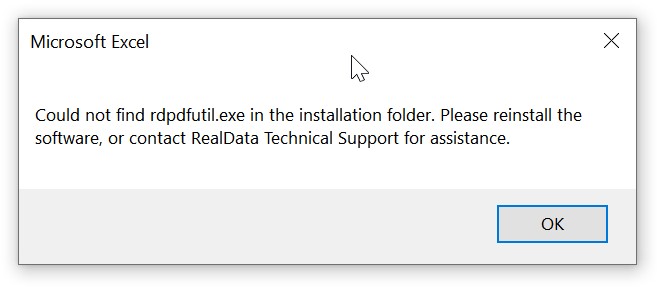
Even if you do have this file, there are other reasons why this error may display. Try re-installing the software, and be sure to download the latest release from your customer account.
Are You Accessing RealData from a Remote Location? #
If you have saved the specific RealData file to a remote location like OneDrive or Dropbox or a network drive, copy/move the file back to your local drive to your Documents folder. It may need to be located locally in order to print correctly.
The Windows Registry #
It is essential that in the Windows Registry for this product you have a key called InstallFolder – the value must be correctly set to the location of your software. Typically this would be C:\Program Files (x86)\RealData\[Product Name] but it may vary. Registry entries can be found in HKEY_CURRENT_USER\SOFTWARE\VB and VBA Program Settings\RealData\[Product Name]